
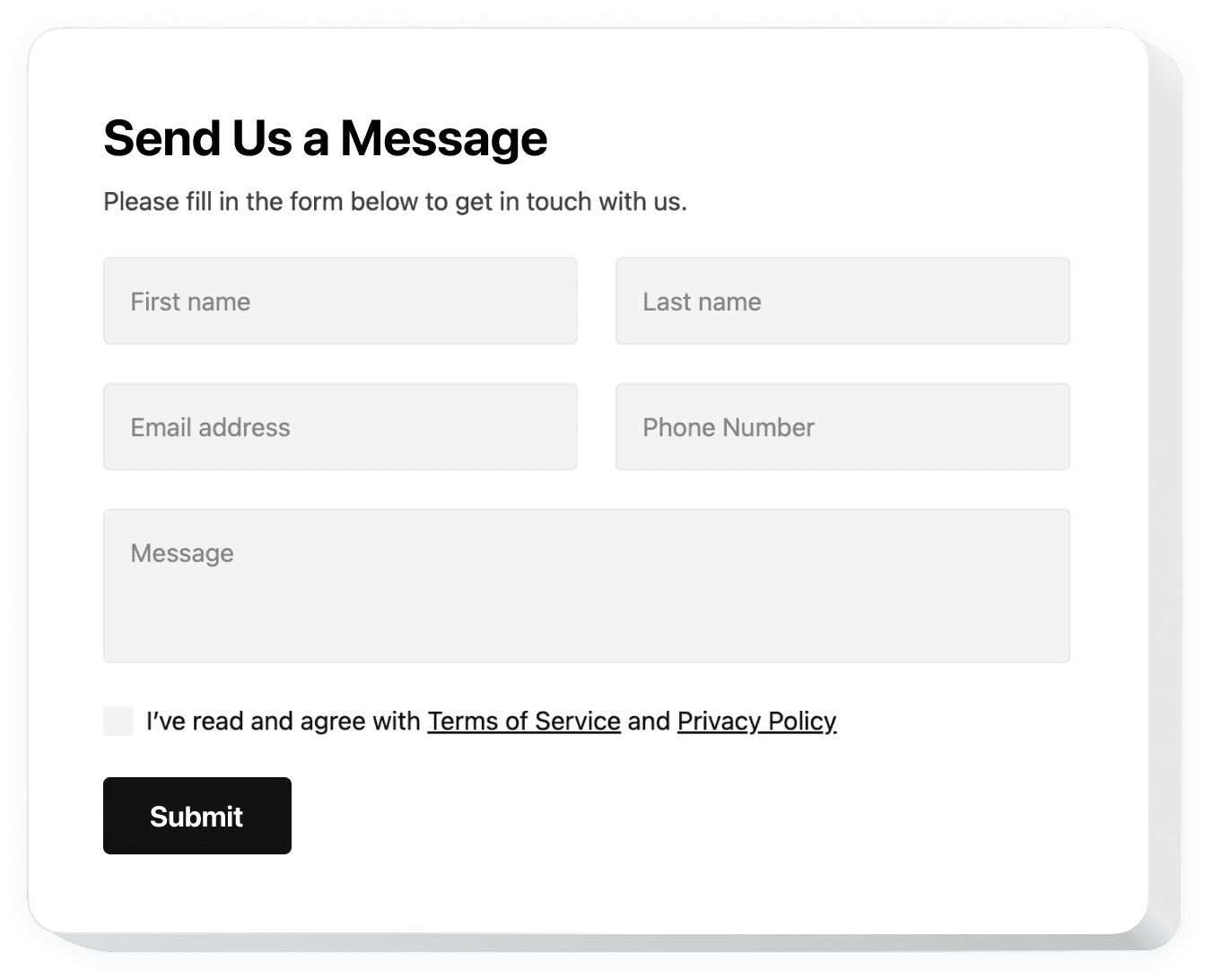
Contact Form

Contact Widget

Pricing

From $0.99/month. Free trial available.

Highlights

  • Professional form designs
  • Converts visitors to leads

Rating

4.8
(92)

Developer

Devaito

Install

About Contact Form Widget

Contact Form Widget is designed to suit your every need to receive feedback and stay in touch with clients. Choose from 20 types of fields, add as many as needed, reorder them, change labels, add placeholders, and select which ones are required for submission. Keep the way to contact you always visible and encourage visitors to leave feedback at any moment.

The widget offers three balanced layouts including Default, Boxed for minimalist looks, and Floating for expandable form icons. Equipped with Google reCAPTCHA spam protection, seamless AJAX submission, and custom "Thank you" messages. Integrate with Mailchimp, Google Sheets, and Zapier for automated data management, plus email notifications with 100% deliverability guarantee.

Key Features

Flexible Field Configuration

Choose from 20 types of fields, add unlimited fields, reorder them, change labels, add placeholders, and choose which ones are required or optional for optimal conversion rates.

Three Handy Layouts

Default layout for seamless blending, Boxed for minimalist appearance, and Floating for expandable icons. Configure column numbers and positioning to match your website design perfectly.

100% Security Guarantee

Google reCAPTCHA protection against spam and bots, seamless AJAX submission, custom success messages, and 100% email deliverability with spam prevention technology.

App Integration Management

Connect with Mailchimp, Google Sheets, and Zapier to reduce data replication and automate business processes. Sync all services at once or choose individual integrations.

Email Notifications System

Get notified whenever someone fills out forms, create personalized autoresponder emails for respondents, and manage both notification types simultaneously for complete lead management.


Why Choose Contact Form Widget?

More leads. More sales.

Increase Your Lead Generation

Stay in touch with potential clients - let them message you via contact form 24/7. Minimum number of fields will bring maximum conversion rate for your business.

Get More Feedback from Customers

Keep the way to contact you always visible for your website visitors and encourage them to leave their feedback at any moment through user-friendly forms.

Protect Your Mail from Spam

Keep only organic communications with powerful Google reCAPTCHA safeguarding against spam and bots, ensuring you receive only legitimate inquiries and feedback.

99.9%websites support
1,000+hours of development invested
1 minto start using the widget
97%customer satisfaction rate

Customer Reviews (2,078)

Overall rating

4.8
5
1,814
4
204
3
50
2
10
1
0
MG
Mathias Gwadanican Verified Partner at Sinouvé SCOP
1 week ago
Functional, engaging, and user-friendly plugin!

Functional, engaging, and responsive plugin for your website that is absolutely user-friendly! Super easy to set up and create a personalized version. I was looking for this kind of form plugin. Wonderful client service as well!

MH
Mark Harper Verified Brand Strategist
2 weeks ago
Team expeditiously fixed the problem!

Their team expeditiously fixed the problem I was having with their online Contact us Form. If I had to do it on my own, it would take me ages to figure it out. I have to test their other widgets now!

MS
Michael Smith Verified Entrepreneur
1 month ago
Helpful responsive contact form plugin!

Helpful responsive contact form plugin for the website is uncomplicated and demonstrates your social proof to get more clients. Matched all my expectations by being mobile-friendly. I use it on practically all of my web pages.

Frequently Asked Questions

Everything you need to know about Contact Form Widget

A Contact Form is a web widget that allows visitors to send messages directly from your website. It helps collect leads, feedback, and inquiries while protecting against spam with built-in security features like Google reCAPTCHA.
You can integrate with popular services like Mailchimp for email marketing, Google Sheets for data storage, and Zapier for workflow automation. These integrations help automate lead management and reduce manual data handling.
Use our easy-to-use editor to create your contact form, configure fields and settings, customize the design, then copy the generated embed code to your website. No programming knowledge required for setup.
In the form configurator, select any field and toggle the "Required" option. Required fields will be marked with an asterisk and users cannot submit the form without filling them out completely.
Yes! You can create custom "Thank you" success messages that appear after form submission. Personalize the message to match your brand voice and provide additional instructions or next steps for users.